gitee仓库设置发送webhook请求,TP接收并PULL
设置gitee仓库的webhook请求,使得每次push后自动使服务器pull仓库
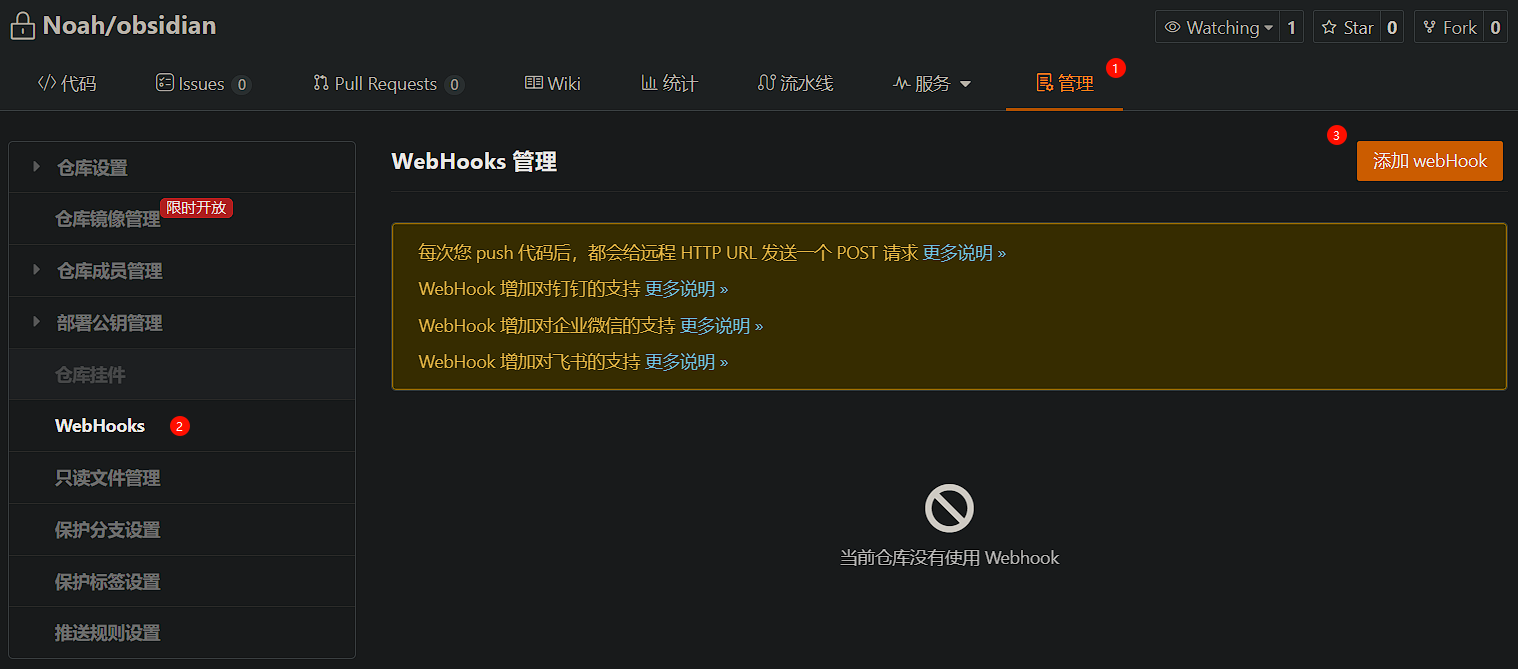
设置php的系统函数访问权限
找到你的php.ini配置文件的地址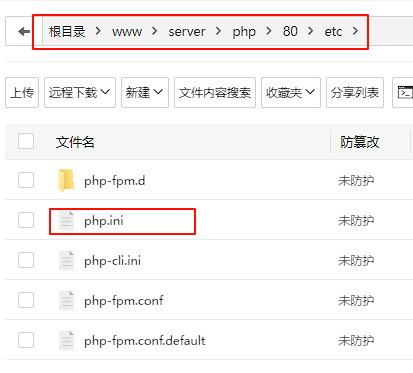
去掉这一行中的 shell_exec 函数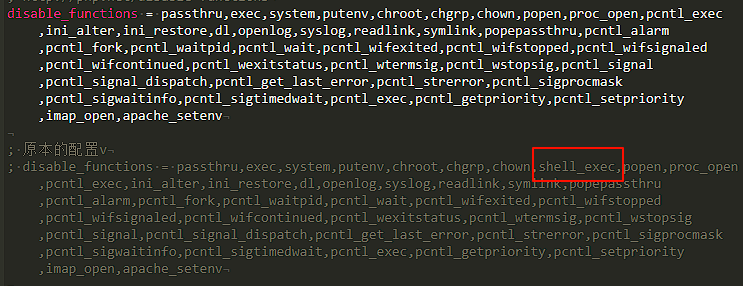
刷新:运行 sudo systemctl restart nginx 和 sudo systemctl restart php-fpm添加控制器,和访问路由
1
2
3
4
5
6
7
8
9
10
11
12
13
14
15
16
17
18
19
20
21
22
23
24
25
26
27
28
29
30
31
namespace app\controller;
use app\BaseController;
class 控制器类名 extends BaseController
{
public function 方法名()
{
if ($_SERVER['REQUEST_METHOD'] === 'POST') {
// 输出 Webhook 请求内容
$input = file_get_contents('php://input');
error_log("Received Webhook payload: " . $input);
// 执行 git pull
$output = shell_exec('cd 仓库路径 && git pull 2>&1');
if ($output === null) {
http_response_code(500);
echo "Failed to pull from remote repository.\n";
} else {
http_response_code(200);
echo "Successfully pulled from remote repository.\n";
error_log("Git pull output:\n" . $output);
}
} else {
http_response_code(405);
echo "Method Not POST";
}
}
}给php后端服务器以访问git仓库的权限
运行 ps aux | grep nginx 查看服务器用户
给与该用户权限 chown -R www:www /你的git仓库路径.git
给与该用户读、写、执行权限(最高权限)chmod -R 777 /你的仓库根目录/文件夹消除本地仓库与远程仓库的不一致,防止git pull失败
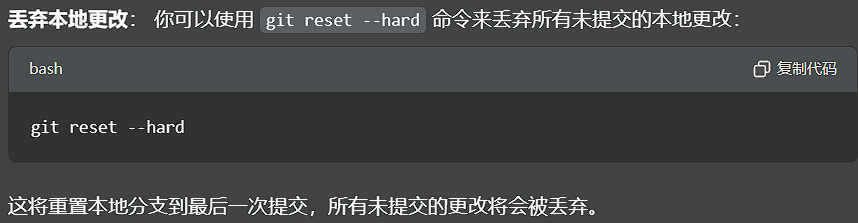
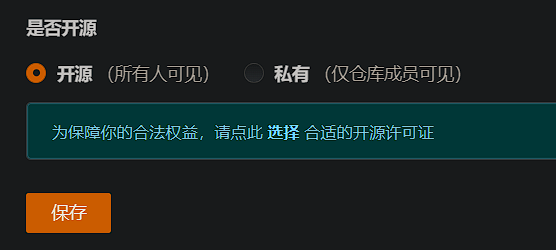
多添加一个命令到上方代码中!给git仓库开源,允许所有人访问,防止因为用户密码问题执行命令失败
本博客所有文章除特别声明外,均采用 CC BY-NC-SA 4.0 许可协议。转载请注明来源 Noah's Notes!